USB-powered, no interface
Powers and syncs down a single USB cable. No MIDI interface and no separate power supply needed.
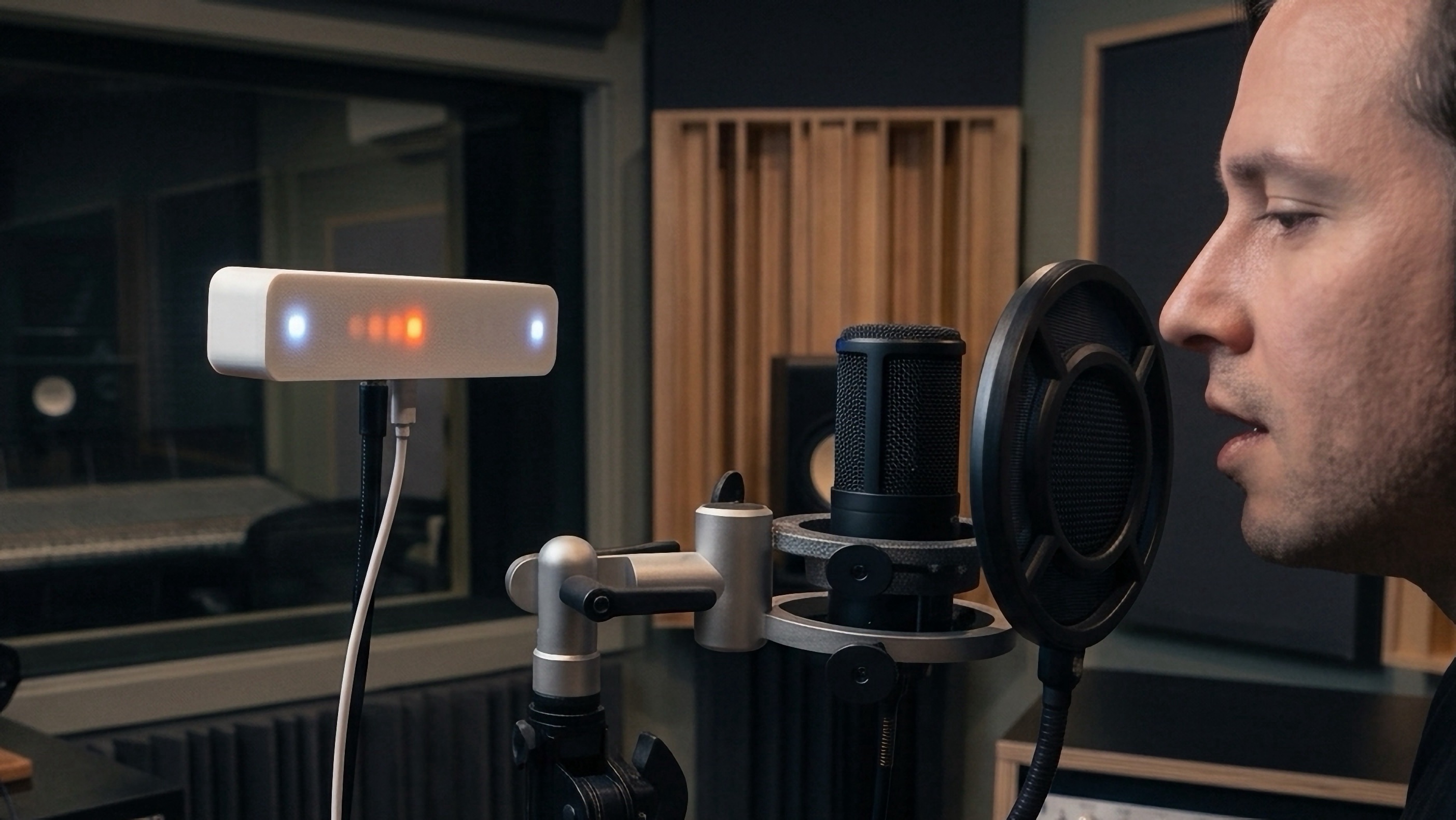
Vistanome syncs to your DAW over USB MIDI and bounces a point of light in perfect time — so you can turn the click track down, or off, and still land the take.
A metronome you can see solves the problems a click in your ears creates.
Pull the click out of the mix...or drop it entirely. The beat lives on the Vistanome, not in your headphones.
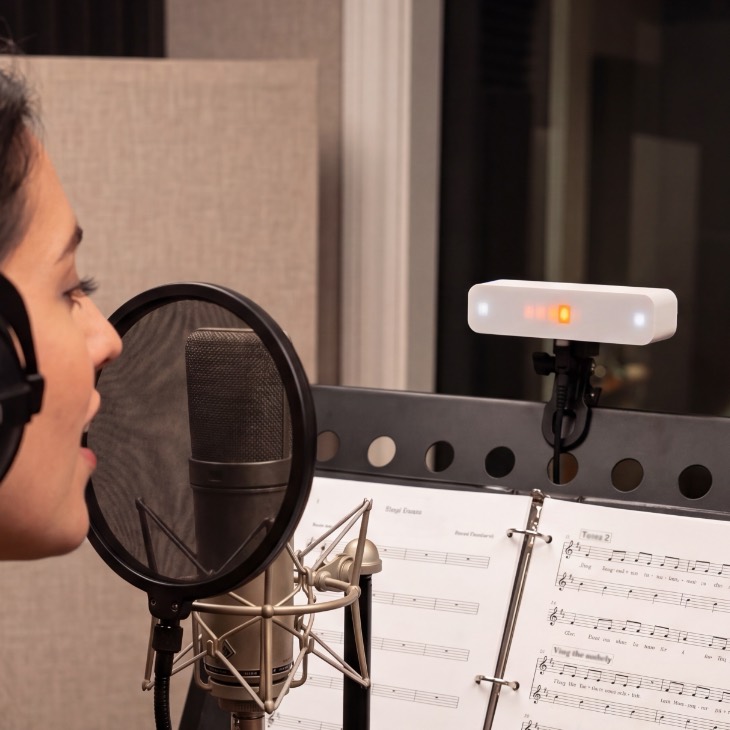
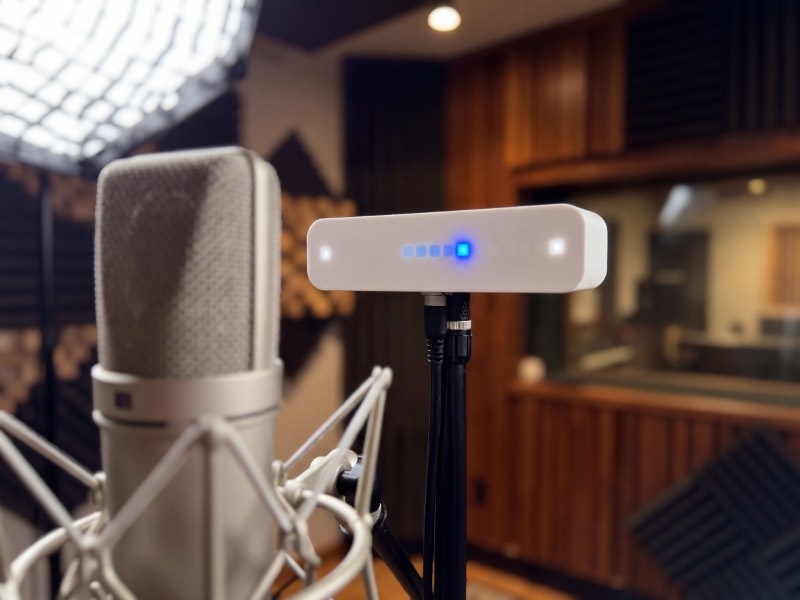
A bright point of light you can follow from the drum kit, the booth, or the far side of the live room.
Recording something quiet and intimate? There's nothing leaking out of the cans into your mics.
Plug in a unit per player. Every Vistanome bounces off the same clock, so the whole room stays locked.
One USB cable does everything. No interface, no wall wart, no software to install.
Powers and syncs down a single USB cable. No MIDI interface and no separate power supply needed.
Class-compliant on macOS and Windows. Nothing to install, no sign-up, no subscription...ever.
Set color, brightness, and bounce or blink from the web configurator — or change them live over SysEx mid-session.
An embedded 1/4"-20 threaded mount fits mic stands, goosenecks, magnet mounts, and desktop tripods. Put the beat wherever you look.
Pro Tools, Logic Pro, Ableton Live, Reaper, FL Studio, Studio One, UA Luna — anything that sends MIDI beat clock.
3D-printed enclosure, assembled one at a time. They're not perfect, that's part of the charm.
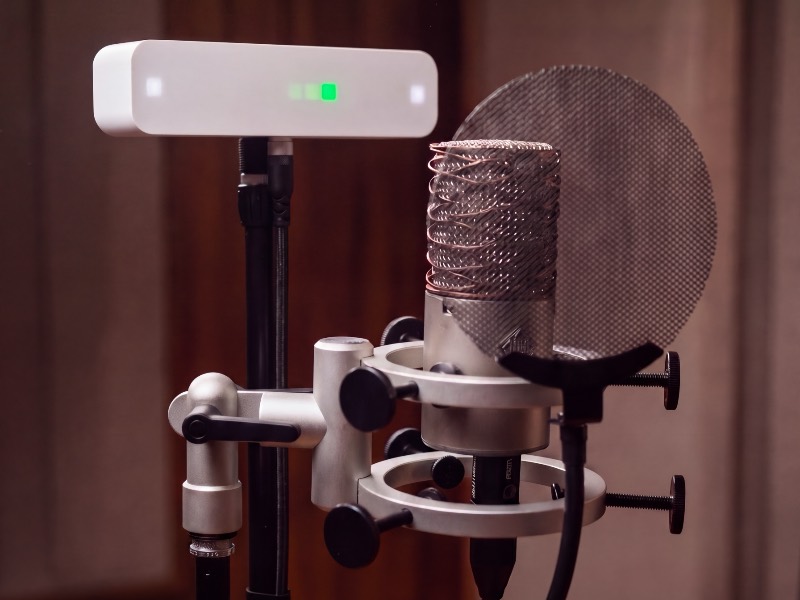
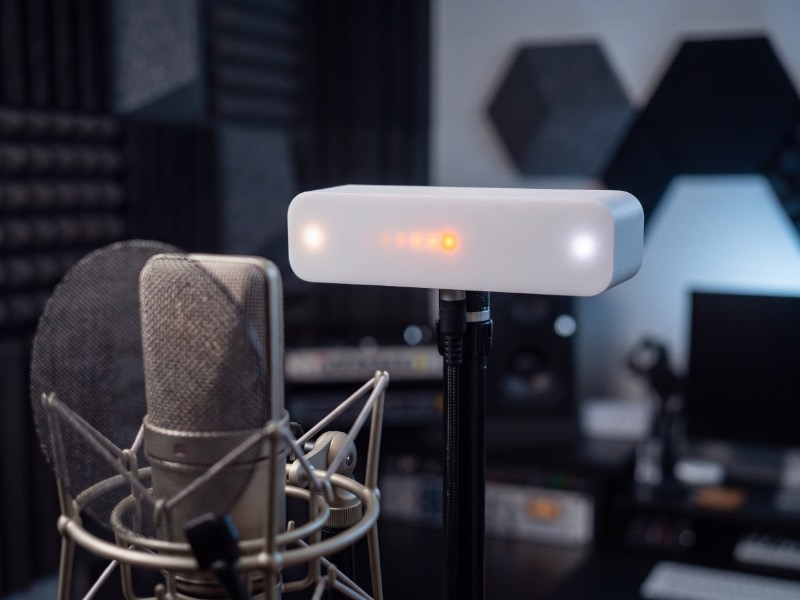
Dial in color, brightness, and bounce-or-blink right in your browser over Web MIDI. Prefer to automate it? Drop MIDI Program Change and CC events in your track to switch colors and ride brightness per section.
Your Vistanome isn't finished when it ships. We're always refining the code inside it (ie. new modes, new features, the occasional fix) and when there's an update, you can update it for free straight from your browser over the same USB cable. No app to install, nothing to open up.
Check for updates →Enable output to Vistanome and turn on beat-clock output — that's the whole integration.
Not compatible with GarageBand — that's Apple's call, not ours. If you find a way, tell us.
Connect Vistanome to your computer with any USB data cable. It powers up and shows up on its own.
In your DAW's MIDI settings, switch on output to the "Vistanome" device.
Turn on MIDI beat-clock output to the device and press play. The light follows your session.
Optional: open the web configurator to set color, brightness, and bounce or blink — then leave it be.